Wan 2.7

Video Wan 2.7 dengan alur teks, gambar, media-ke-video, dan edit video

0/5000
5detik
Pengaturan Lanjutan
1

Hasilkan beberapa video sekaligus; kredit disesuaikan dengan jumlah
Contoh
Latar

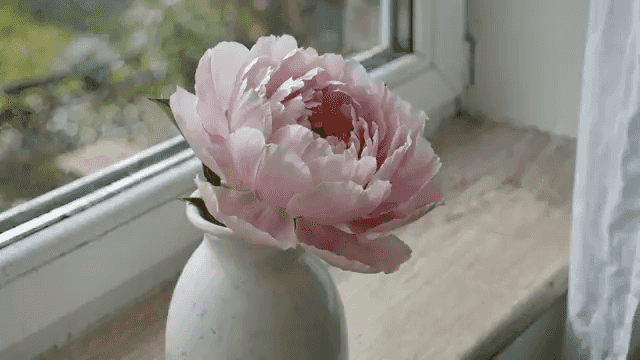
Bunga mekar lalu layu selama dua minggu, satu foto per hari. Vas yang sama, jendela yang sama, sudut yang sama. Cahaya berubah mengikuti cuaca. Audio: suasana rumah yang tenang.

Belum ada video. Coba masukkan prompt untuk membuat video pertama Anda.

Seedance 3.0 model workspace

Create with Wan 2.7 on Seedance 3.0

Wan 2.7 is available in the Seedance 3.0 video workspace for creators who want a clear path from a written brief to a generated video.

Build the right brief

Use it when you need a focused workspace for turning a concept into a short, shareable video.

Supported workflow

This workspace supports text-to-video, image-to-video, and reference-based video creation. Start with the input that best communicates the scene, then refine the direction in your prompt.

Production details

Available settings include 0, 2, 3, 4, 5, 6, 7, 8, 9, 10, 11, 12, 13, 14, and 15-second durations, 720p and 1080poutput, and 16:9, 9:16, 1:1, 4:3, and 3:4 framing.

What to explore with Wan 2.7

  • text-to-video
  • image-to-video
  • reference-to-video
  • video-edit

Wan 2.7 — FAQ

Key differences between Wan 2.7 modes, media inputs, duration, seed, audio, and prompt expansion.

Media-to-Video lets you upload reference images, videos, and optional audio so Wan 2.7 can use them as source material while generating a new video from your prompt. The uploads guide the look, subject, motion, or sound direction, but the result is still a newly generated video.